X-Ray Advanced | Toggle Maya Script
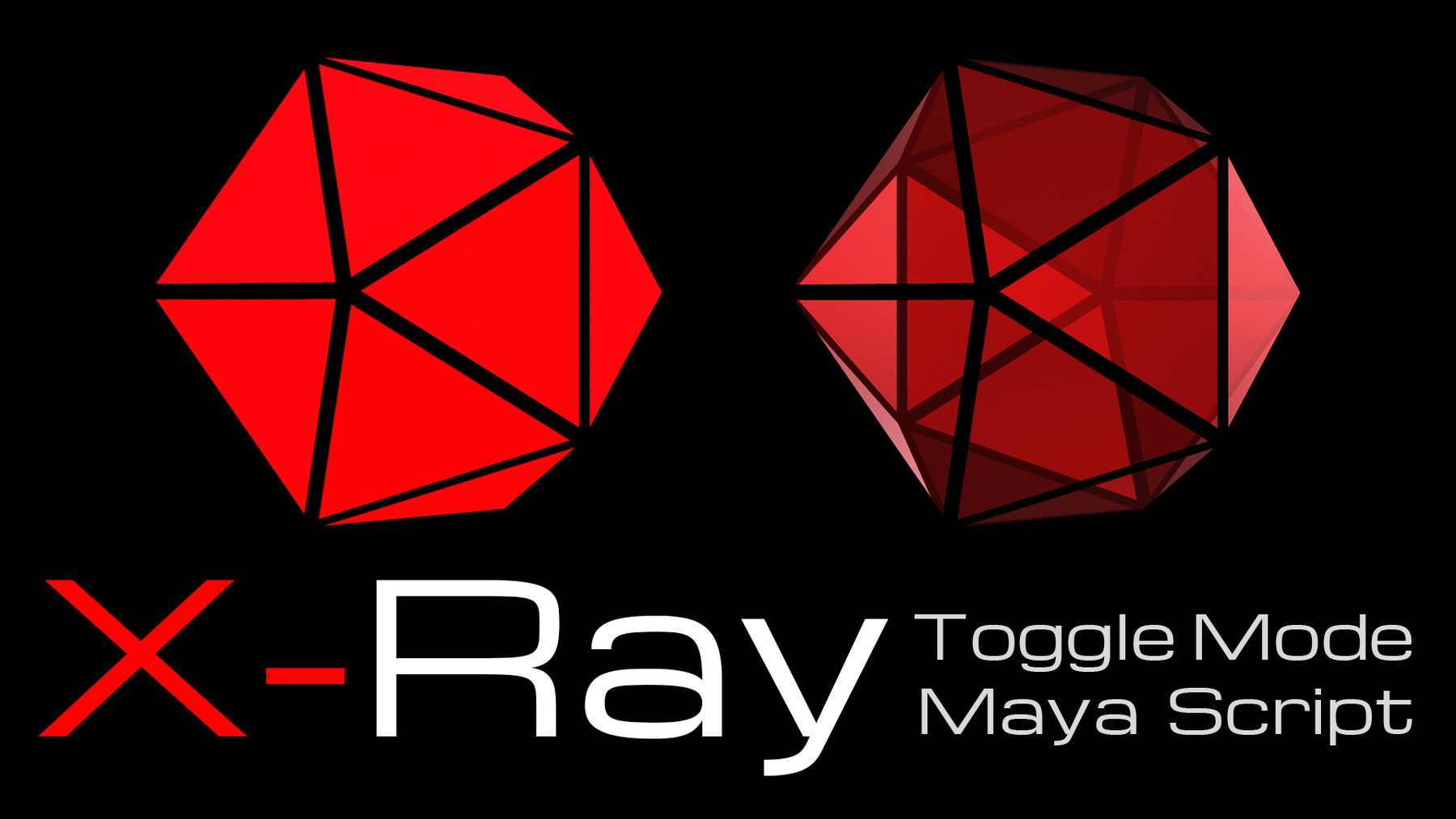
X-Ray Advanced is the script for Maya which allows you to toggle switch transparency on model by one hotkey (like in 3ds max) and also to control a transparency value by hotkeys. It is very handy when you work with image plane, retopology etc.
Compatible with Maya 2016, 2017, 2018, 2019, 2020.
Installation:
Hotkeys will be installed automatically in active hotkeyset, but if active hotkeyset is "Maya Default" - the new hotkeyset wil be created named "Xray".
1. Put the file xRayAdvanced.py and xRayAdvancedHotkeys.py into \Documents\maya\20XX\scripts
2. Open a script editor (select a Python tab) and run foowing 2 lines below to install the hotkeys:
import xRayAdvancedHotkeys
reload(xRayAdvancedHotkeys)
Hotkeys by default:
Alt+X - Toggle X-Ray mode
8 - Increase transparency value
9 - Decrease transparency value